Dashboard
Portal Users first log into the dashboard view of the entire customer SD WAN network. The view shows a listing by customer sites and a dashboard view which users can customize. By default, the Dashboard view is empty until users attach or pin any graphical reports to the Dashboard.
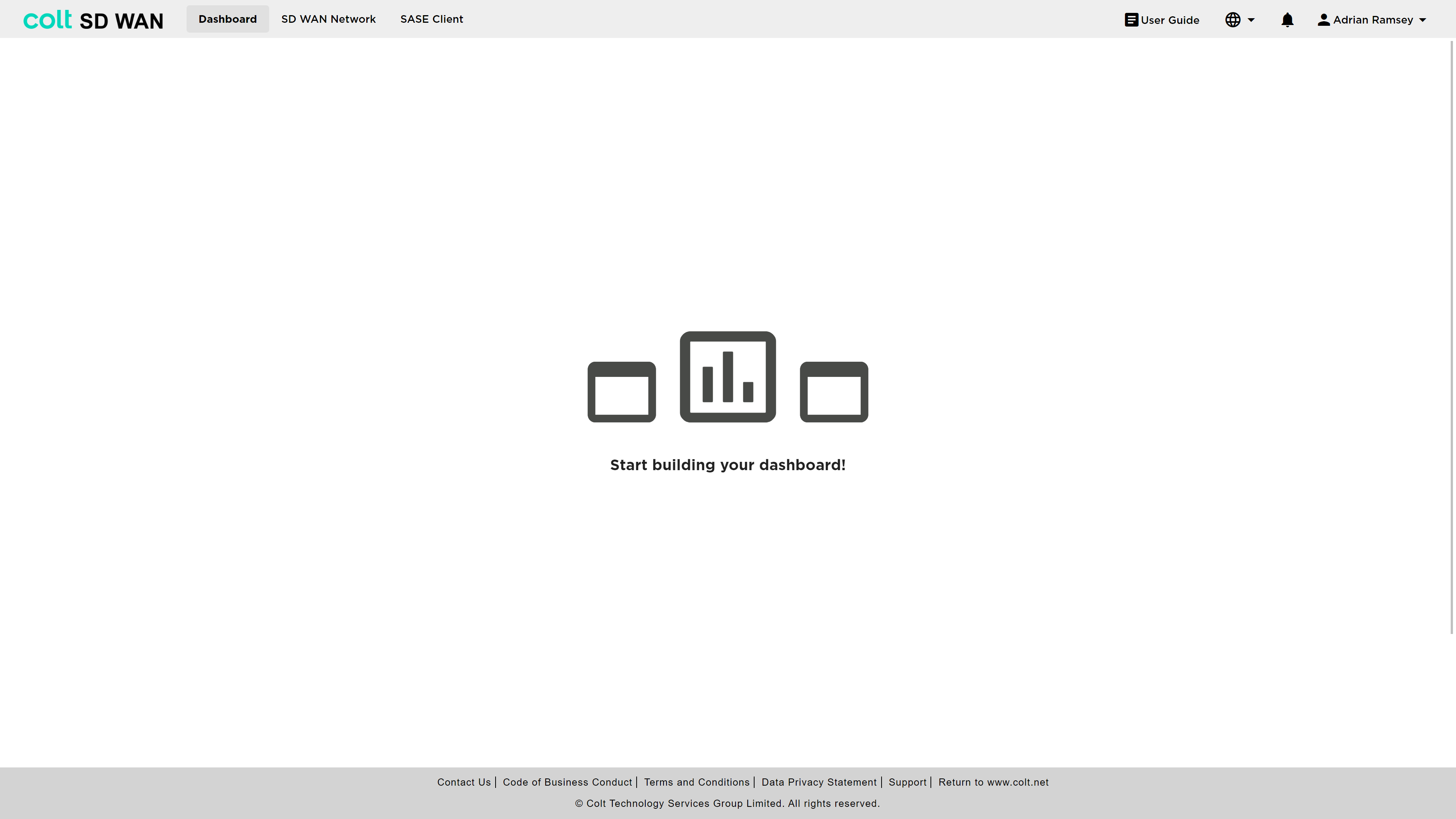
To access site level information, policies, analytics or IPC’s a user needs to select the main menu option “SD WAN Network” as shown above. The following sections illustrate the various options and configurations available.