Routes
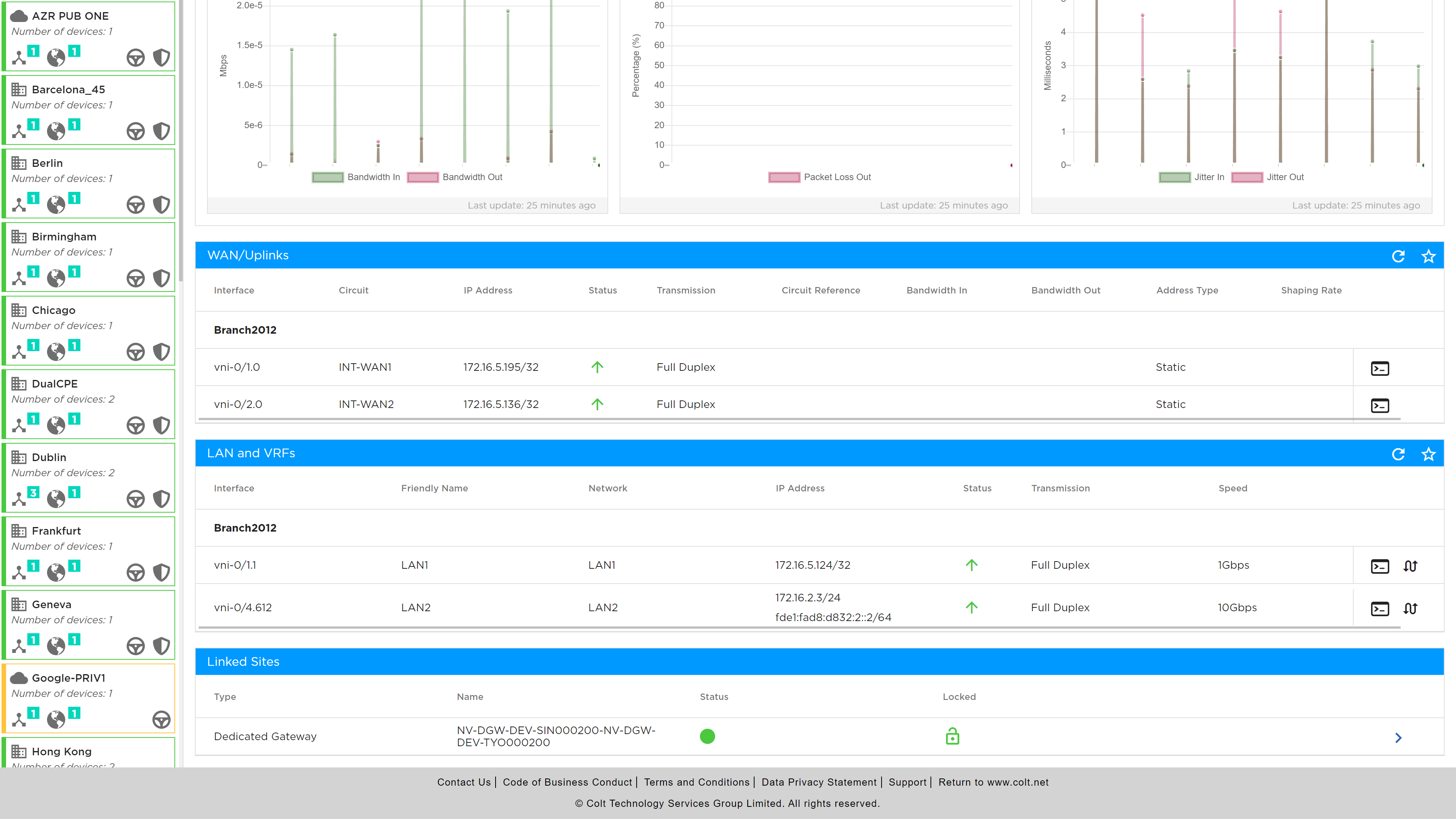
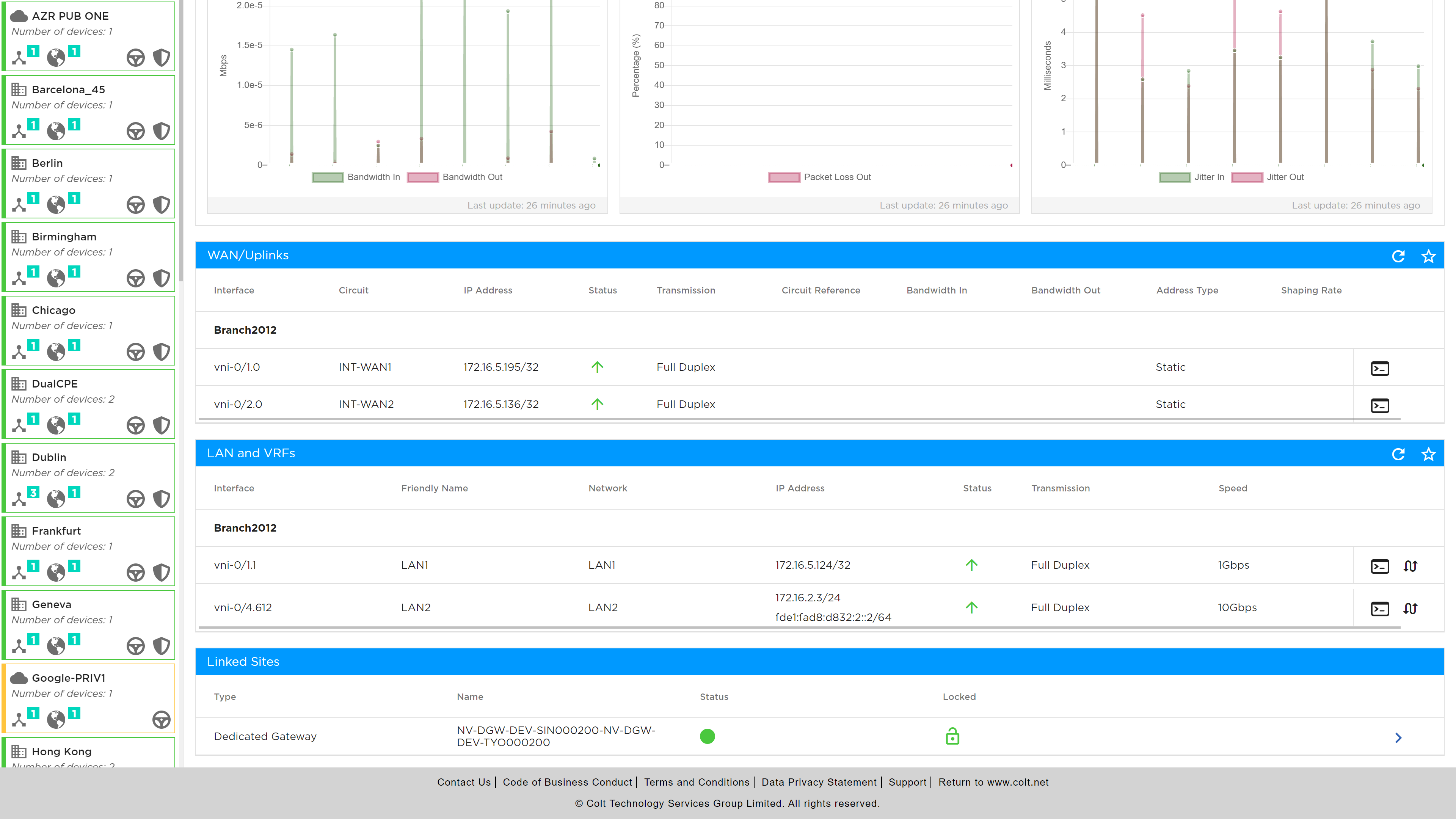
Routes are accessed via the console icon in the Summary page as shown below.
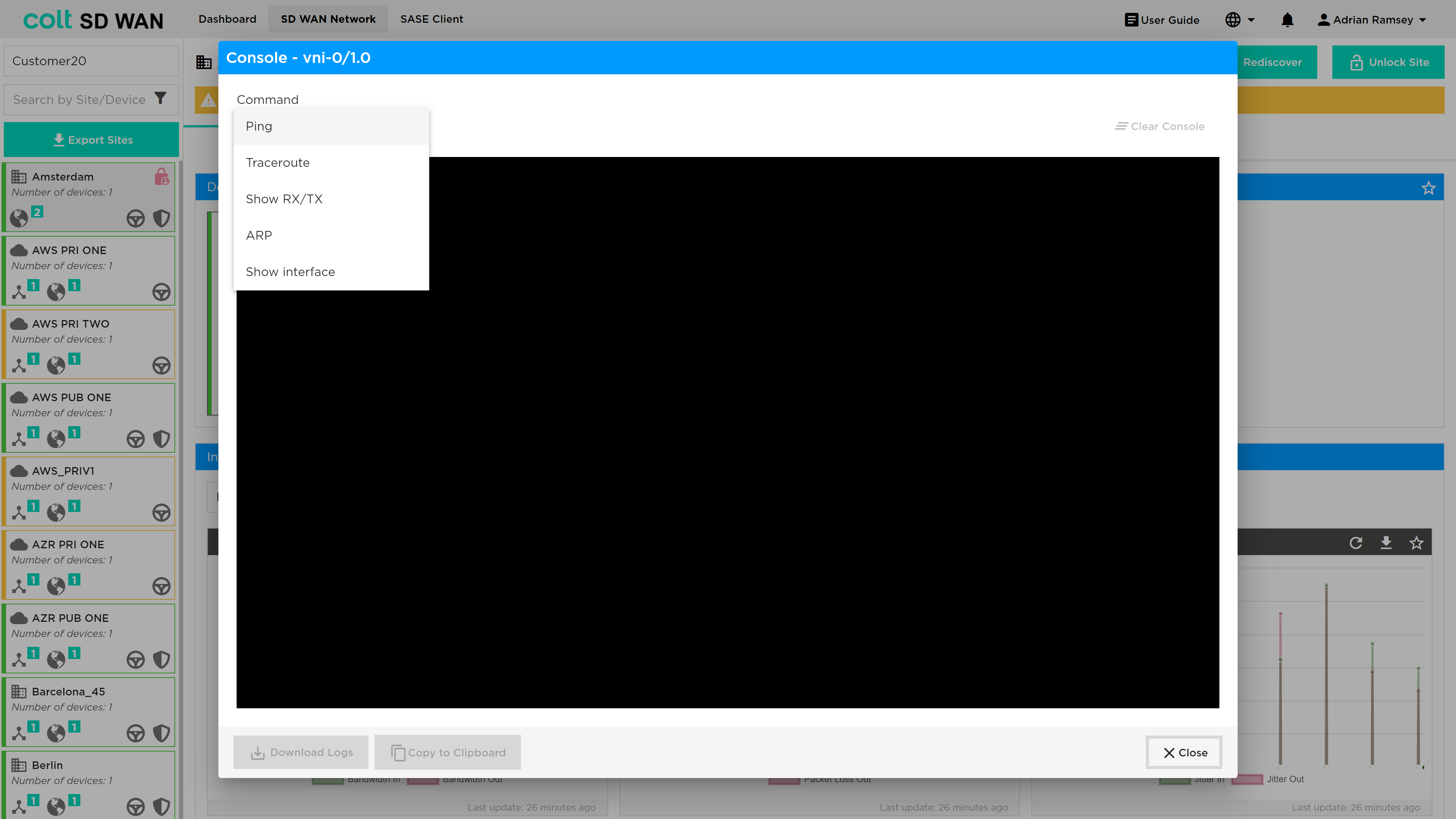
Routes and IP addressing can be viewed for Static, OSPF and BGP by selecting the routing type and interface.
BGP and OSPF routes LAN or DMZ and peers are configured by Colt but can be viewed through the SD WAN Portal. The OSPF options include: Show Routes, Show Neighbours and Show Topology.
BGP Options include: View All, View Advertise, View Receive, Show Neighbours and Show Statistics
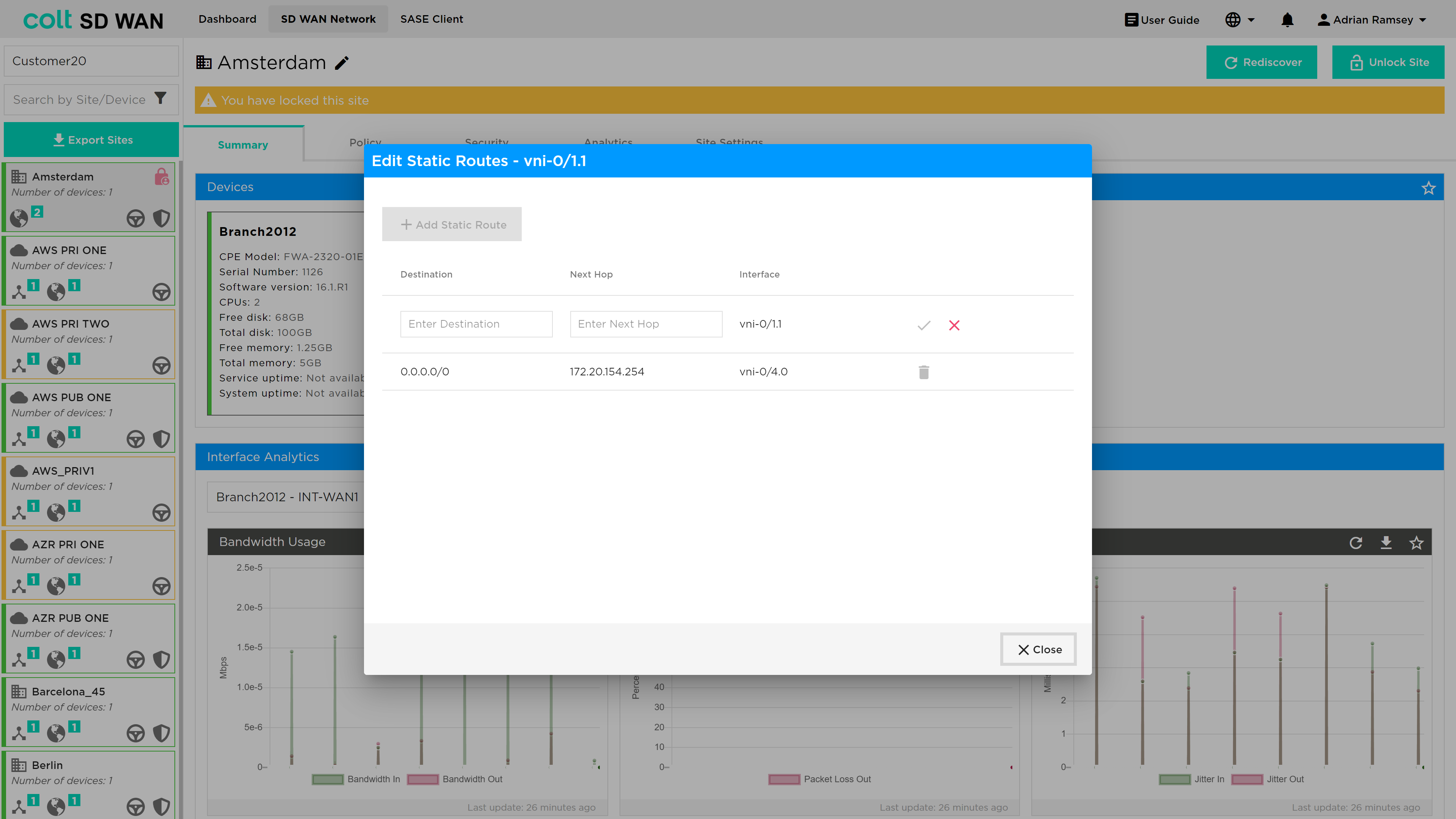
Portal Users can add and delete static routes by selecting ‘Edit Static’ and the using the “Edit Static Route” button make changes. Addresses and next can be added to the appropriate interface using the drop down menu shown below.
Users can choose to delete or add routes by entering the available subnets (IP address and subnet mask), next hop address and the associated interface.
| The IP address is validated and if it is not correctly entered the Submit button will remain greyed out. As an example, see the screen shot below. |