Portal access
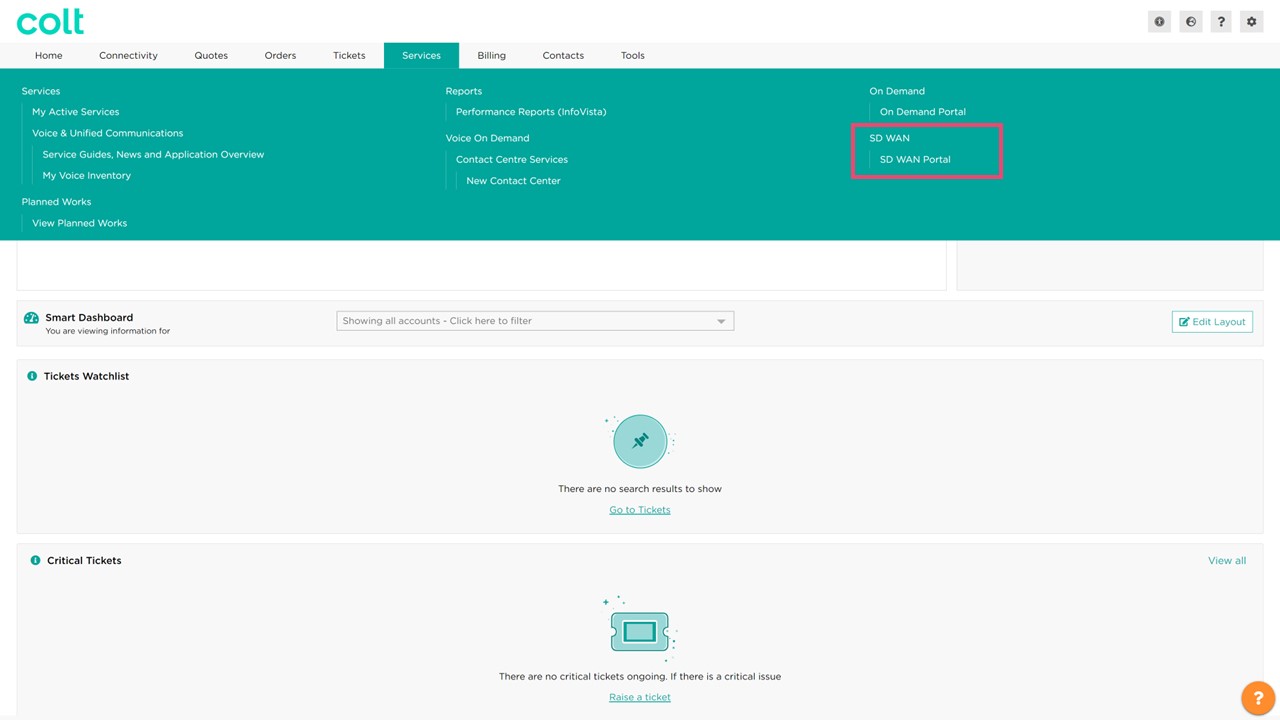
The SD WAN Portal is available via Colt Online. After you log in, please navigate to the "Services" tab and you will find the SD WAN portal link on the right hand side.
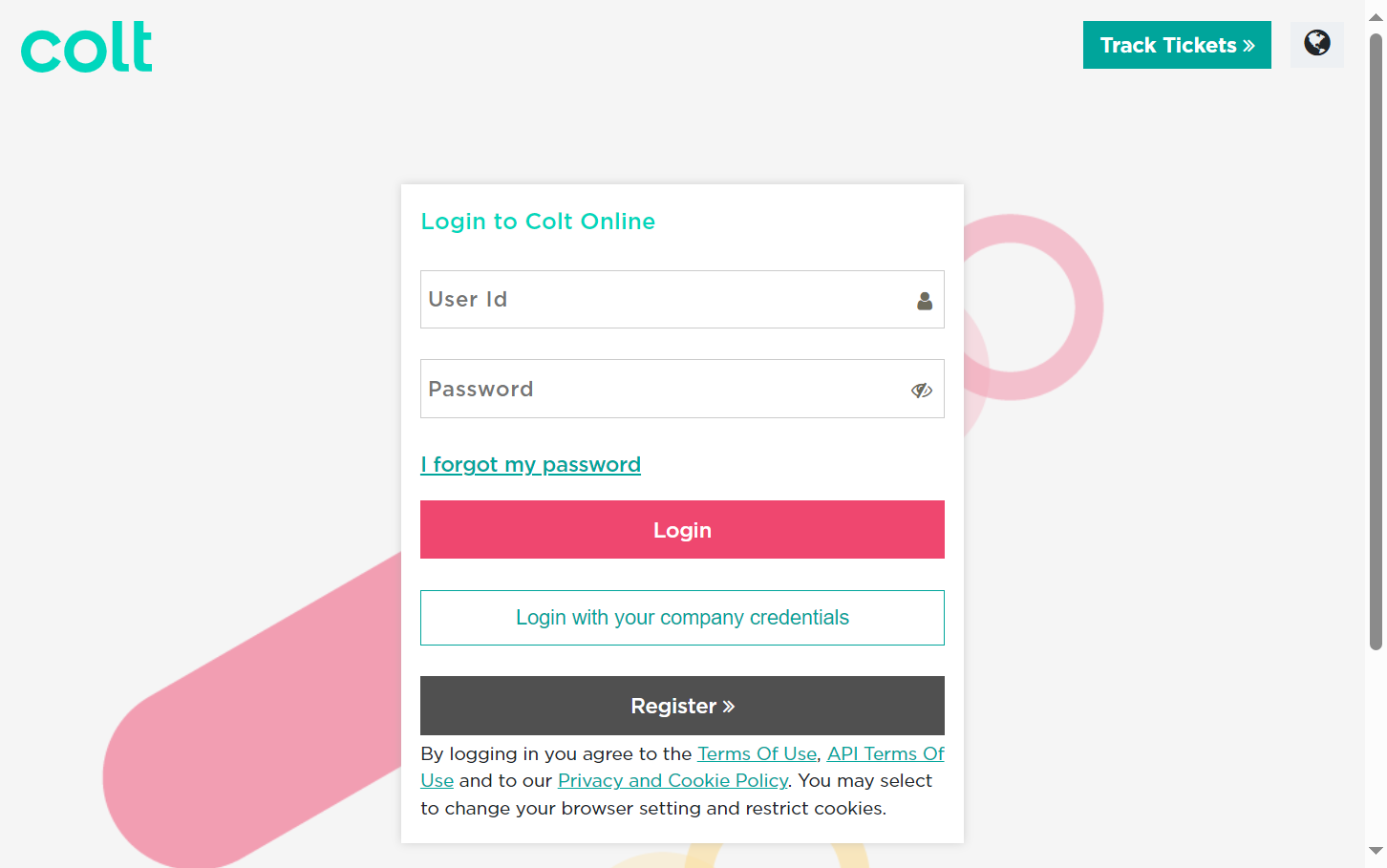
Please note: In our continuous efforts to provide you with enhanced security and consistent user experience, we have rolled out Single Sign-On (SSO). For more information on how to connect via SSO, please read here. Although the portal is a standalone web service, it uses the same authentication credentials as Colt Online; therefore, to access the portal you will also need a Colt Online user account with a valid SD WAN role assigned.
Additionally, be aware that the portal only supports modern browsers such as Chrome, Firefox and Edge, but not legacy browsers such as Microsoft Internet Explorer.
If you would like to reset your password, please follow the steps in Colt Online or follow the ‘Forgotten password’ link in the login screen.
This screen also allows the user to switch between the supported languages and provides links to various information and legal documents including:
-
Contact us: Provides contact information for both technical and business support
-
Code of Business Conduct: Details Colt’s way to do business
-
Terms and Conditions: Details the terms and conditions under which you can use Colt’s online platforms, including the SD WAN Portal
-
Data Privacy Statement: Defines how Colt protects your privacy and describes Colt´s privacy practices in relation to the use of Colt’s web sites and the related applications, services, and programs
-
Support: Provides contact information for both technical and business support