Alarms & Notifications
All alarms or errors are displayed in the top of the browser screen. A separate Notification button is shown in the menu bar as shown below.
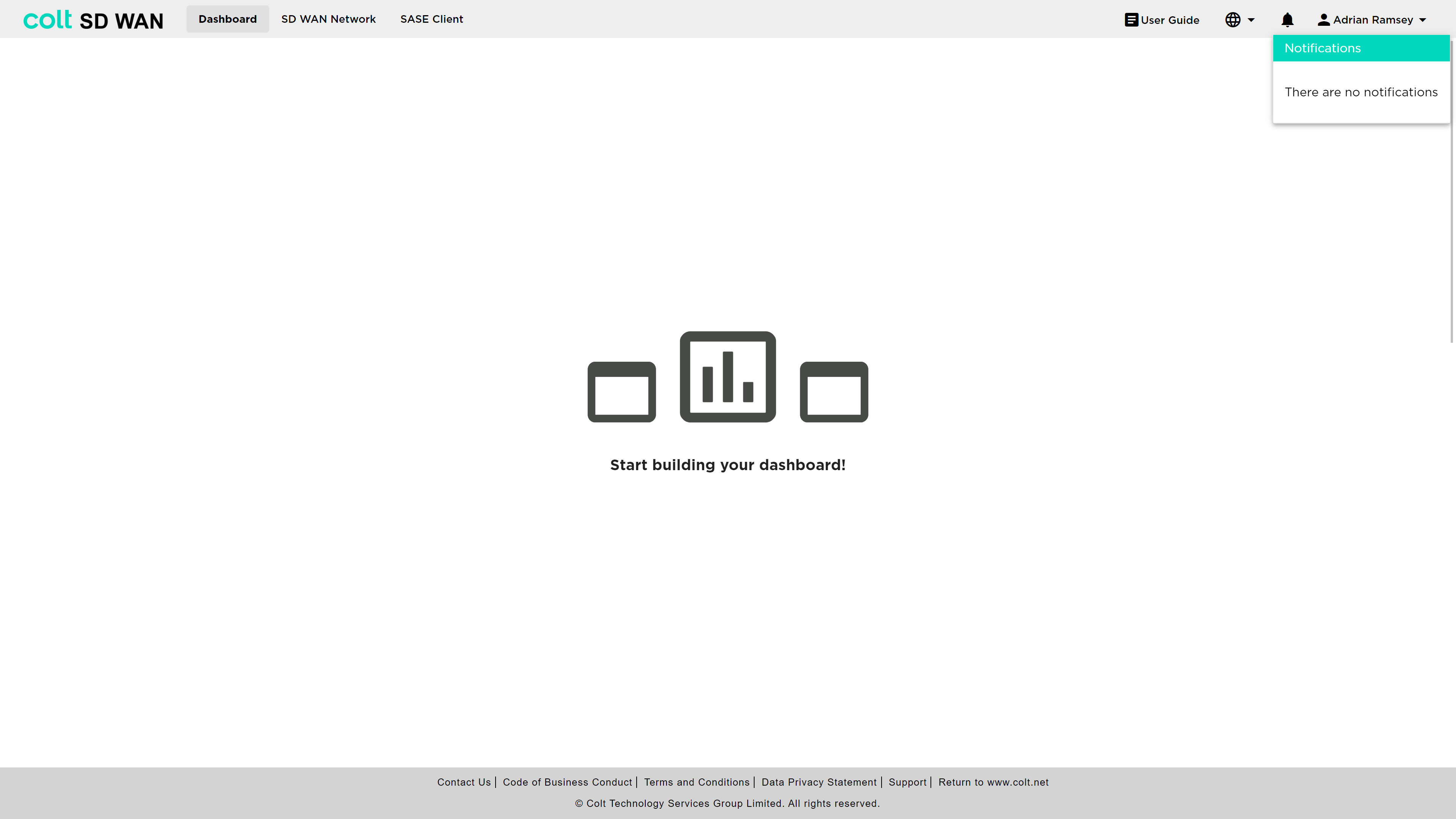
This may include both network and system issues; for example, if the portal is unable to load some data or connectivity is lost. If there is more than one error, you can switch between them by pressing left and right arrows. Once read, you can discard the error by pressing the X button.
Notifications are displayed under certain circumstances, such as changed, but not saved policies.
If an error recurs frequently, there may be an inconsistency in the data for your service. Please report this to your service manager.